
Enhance your classroom experience
SchoolMart has specialized in calculators and other electronic learning aids for schools, school systems, college stores, and industry since 1977.
Newest Products

Casio FX-300ES Plus 2nd Edition Teacher Kit of 10 - Blue
View Product
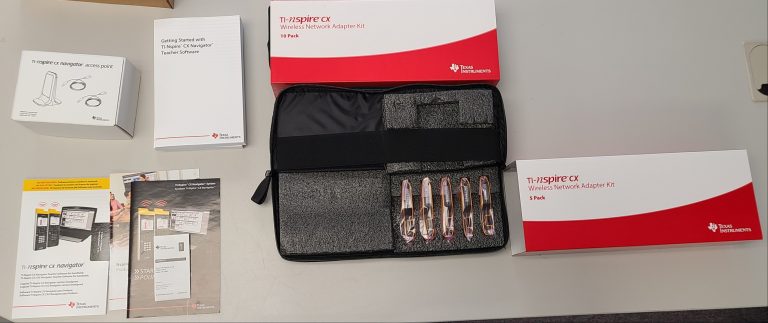
TI-Nspire CX Navigator 15 User System - While supplies last
View Product
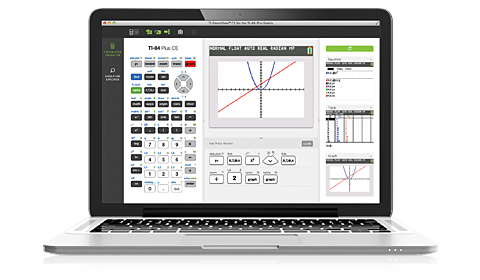
Texas Instruments CE Emulator for the TI-84 Plus Family - 1-Year Subscription Single-User License
View Product
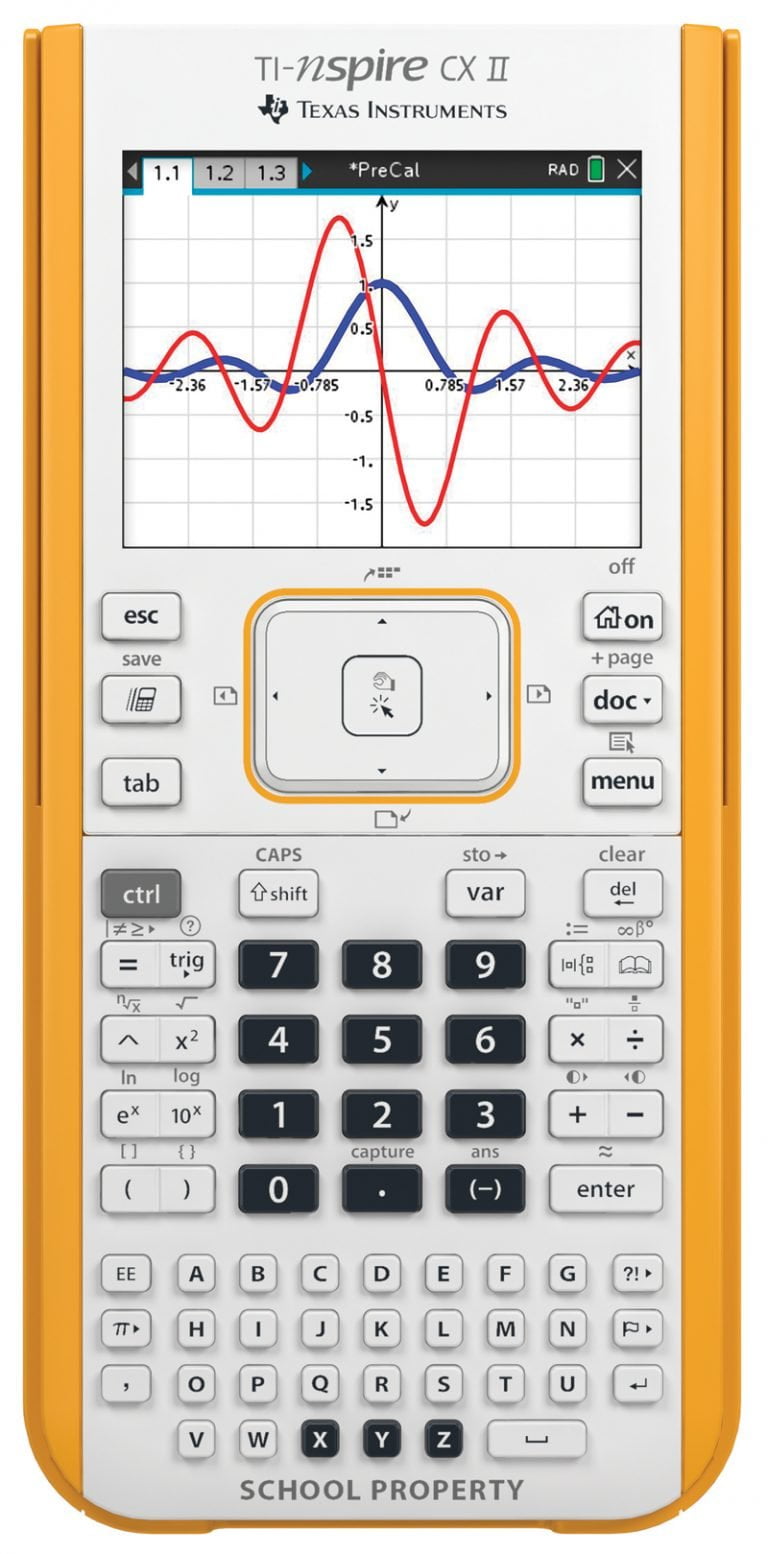
Texas Instruments TI-Nspire CX II Graphing Calculator Teacher Kit Pack
View Product

Design & Drill® Activity Center - Clearance
View Product
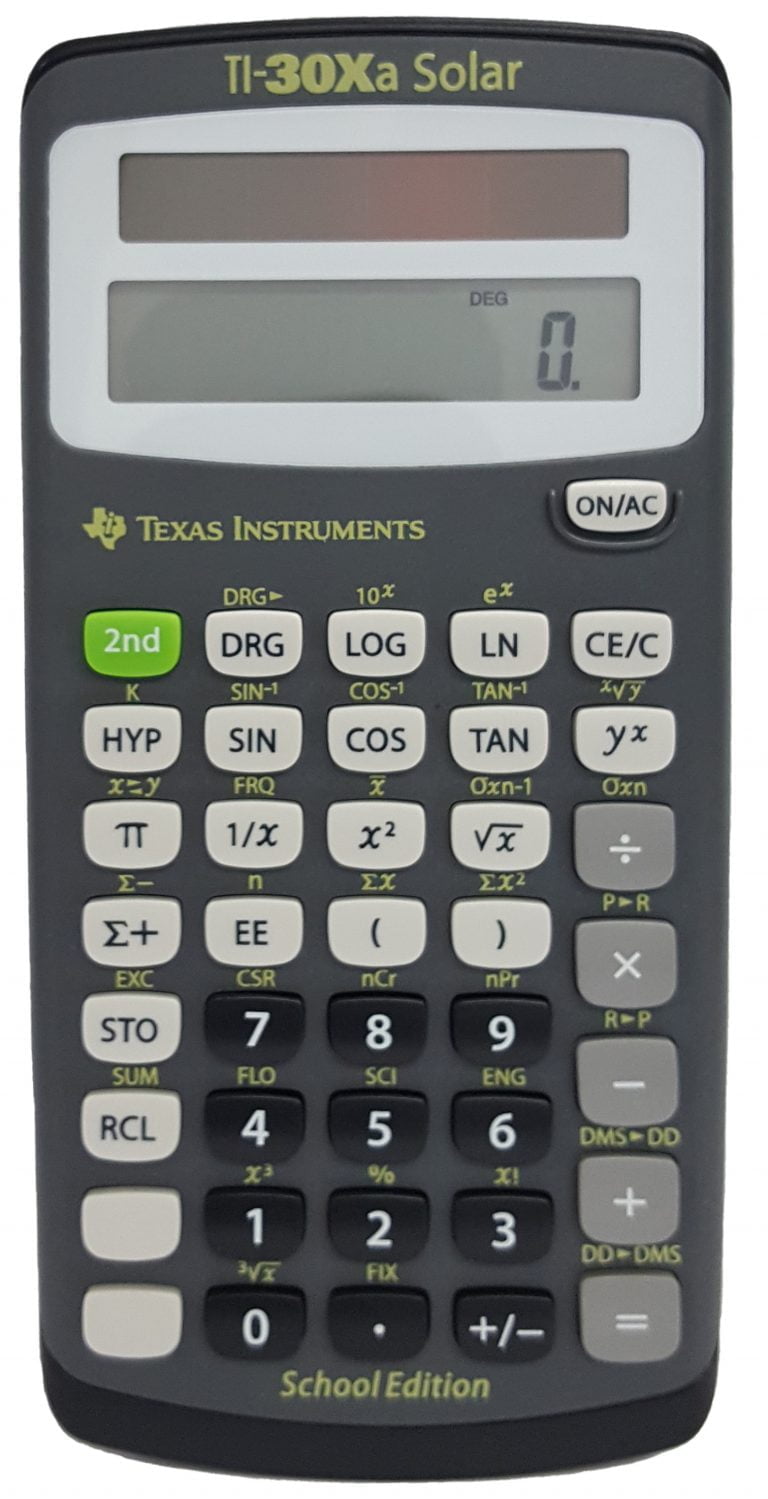
Texas Instruments TI-30XaSE Solar School Edition Calculator
View Product
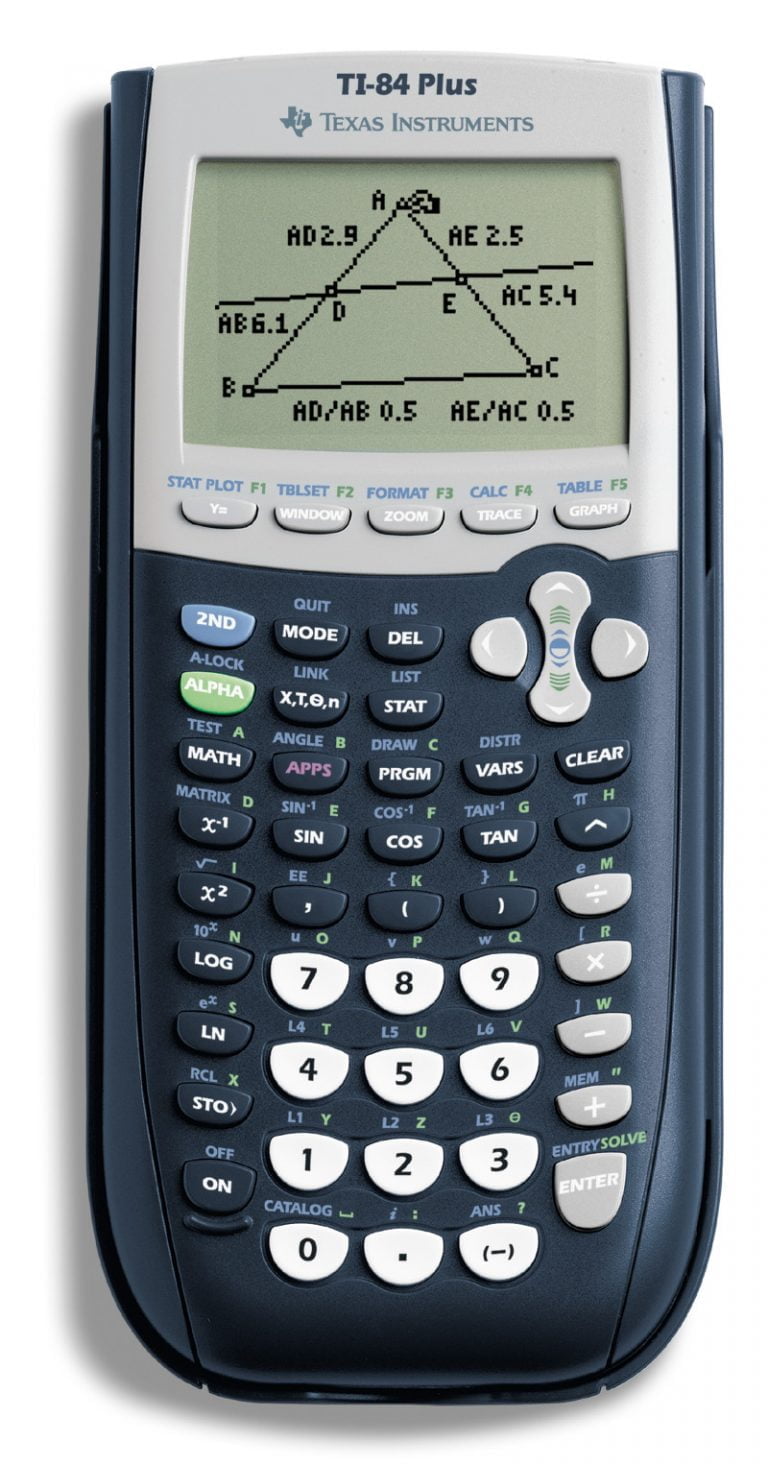
Texas Instruments TI 84 Plus Graphing Calculator
View Product
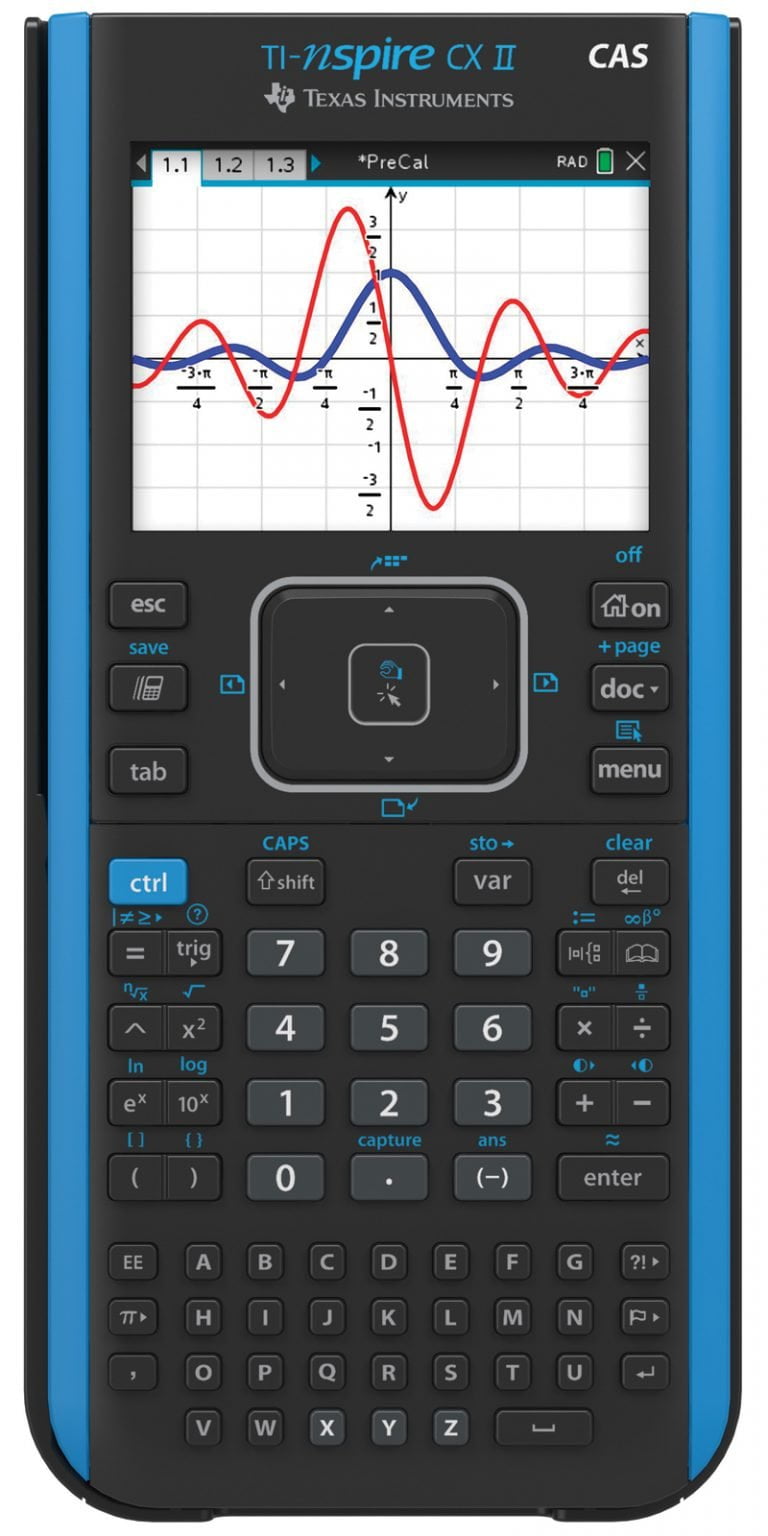
Texas Instruments TI-Nspire CX II CAS Handheld Graphing Calculator
View Product


Find What You're Looking For!
Product Quick Search
SchoolMart offers the latest products, often unavailable at the big superstores and online retailers, at prices far below retail.
Save with our Bundle Deals!
SchoolMart has put together packages of calculators, software, batteries, activities and more. Our wide variety of innovative technology bundles are tailored to offer specific solutions to your individual needs.
